
How TOKOKI works
One big button does almost everything. Here are the ten things to know, one by one. Each one takes a few seconds to learn.
Choose who you talk to
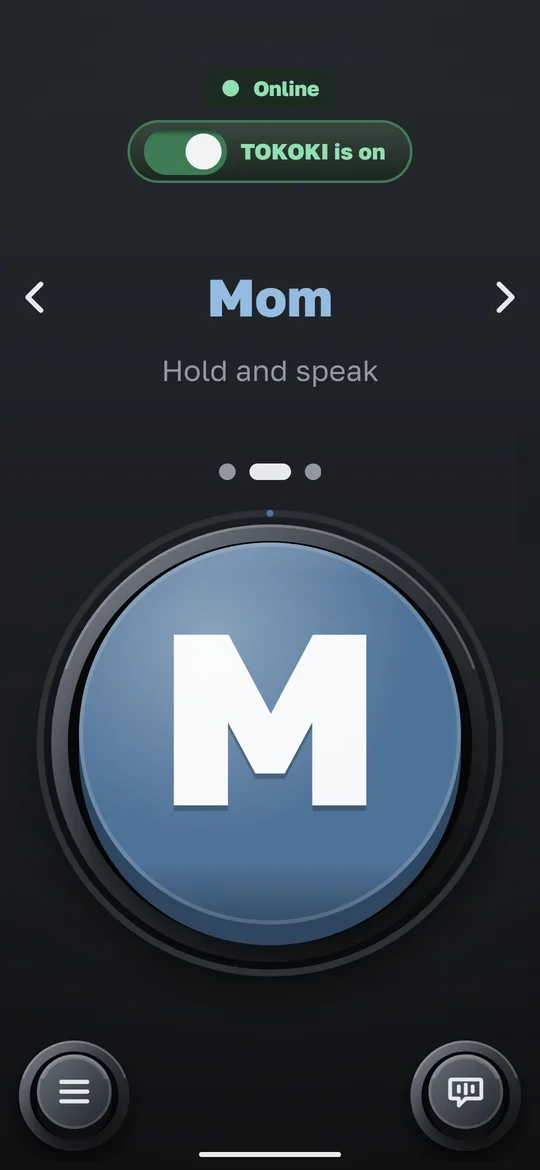
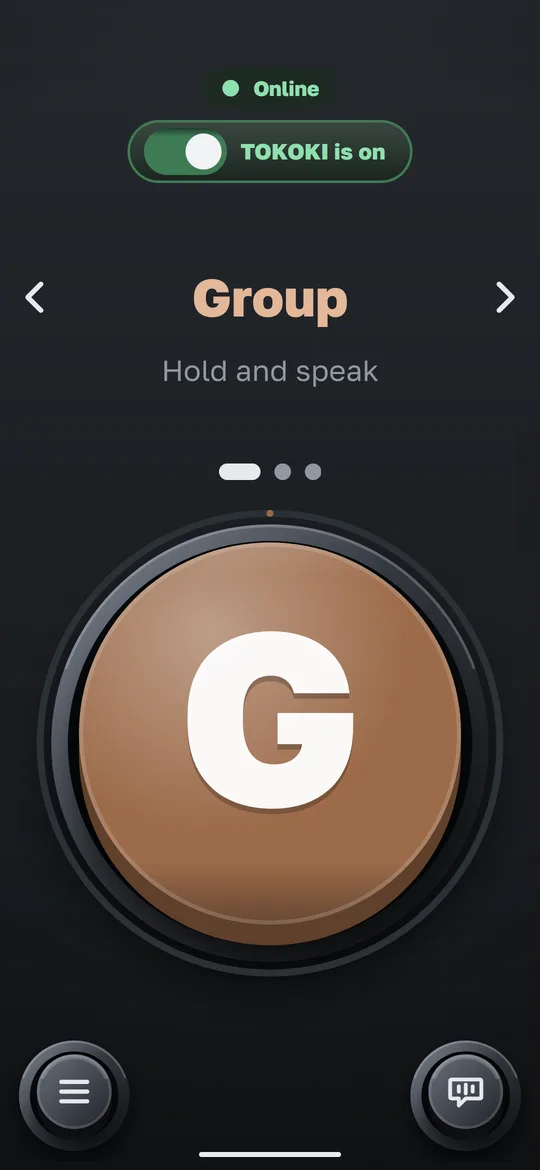
Every person or group has its own colour and picture, so you always see who will hear you.
HowPut a finger on the big button and drag sideways. Drag the other way to go back.
- Name, colour and dots change with each swipe
- A pet, a rocket or a photo: you choose the picture
Send a voice message
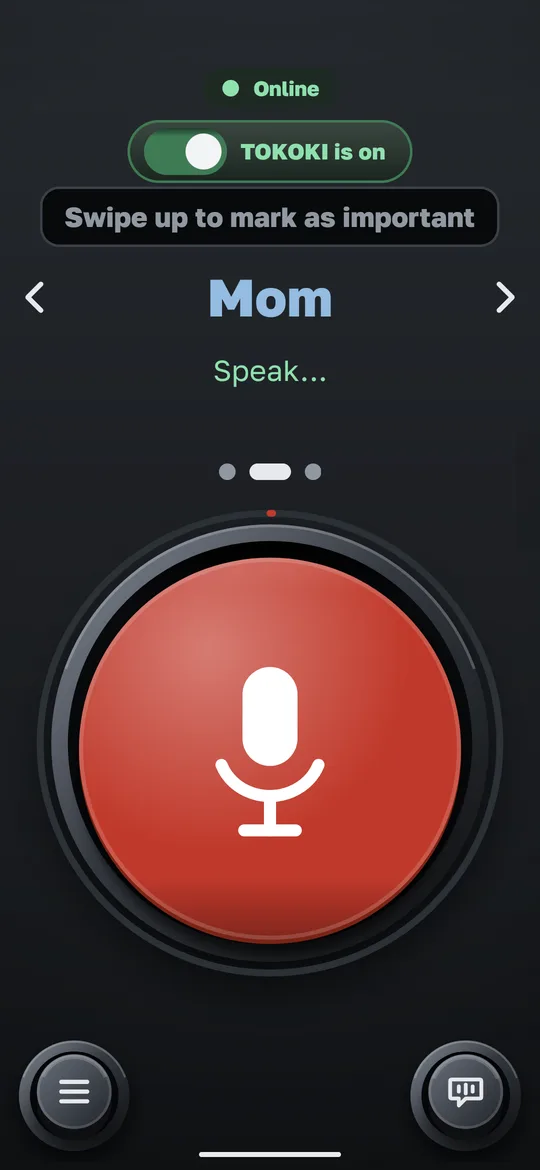
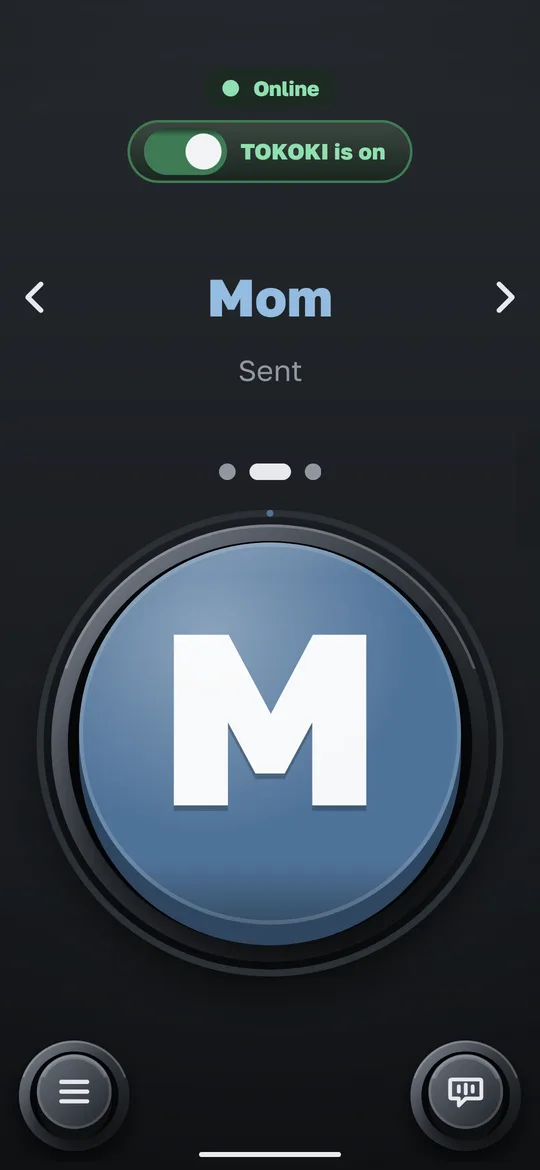
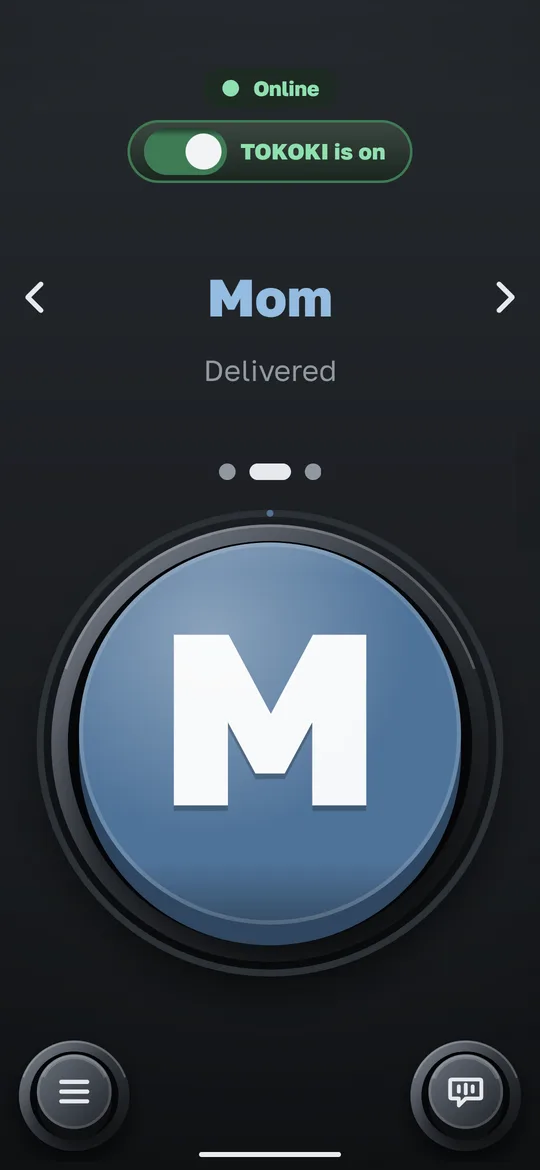
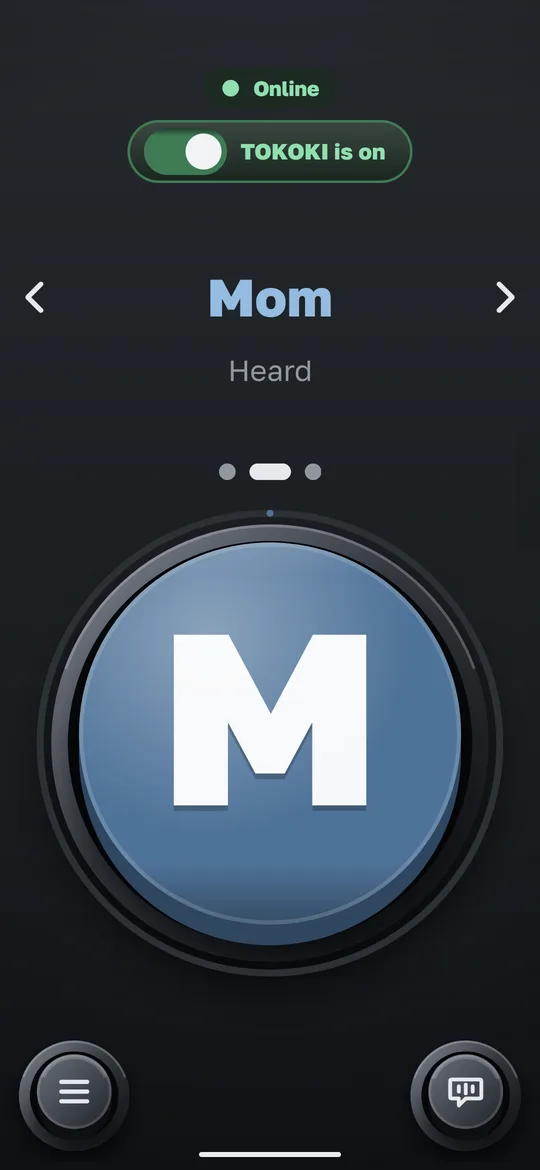
Hold, speak, let go. The message is sent, and you see when it arrives and when it is heard.
HowTouch the big button and hold it while you speak. Let go to send.
- The message reaches their phone almost at once
- You see when they have listened
Mark a message important
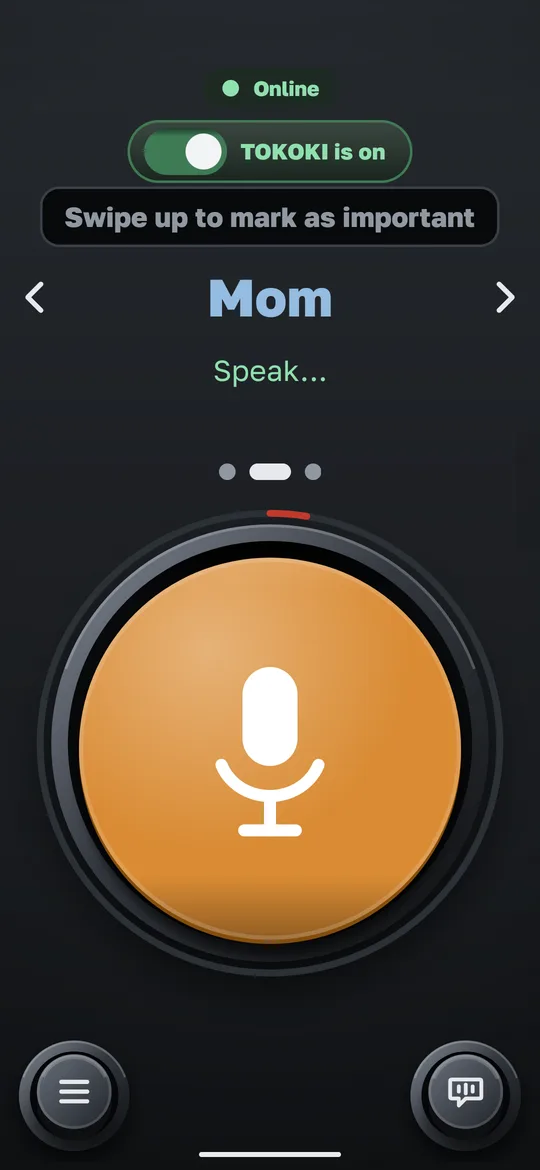
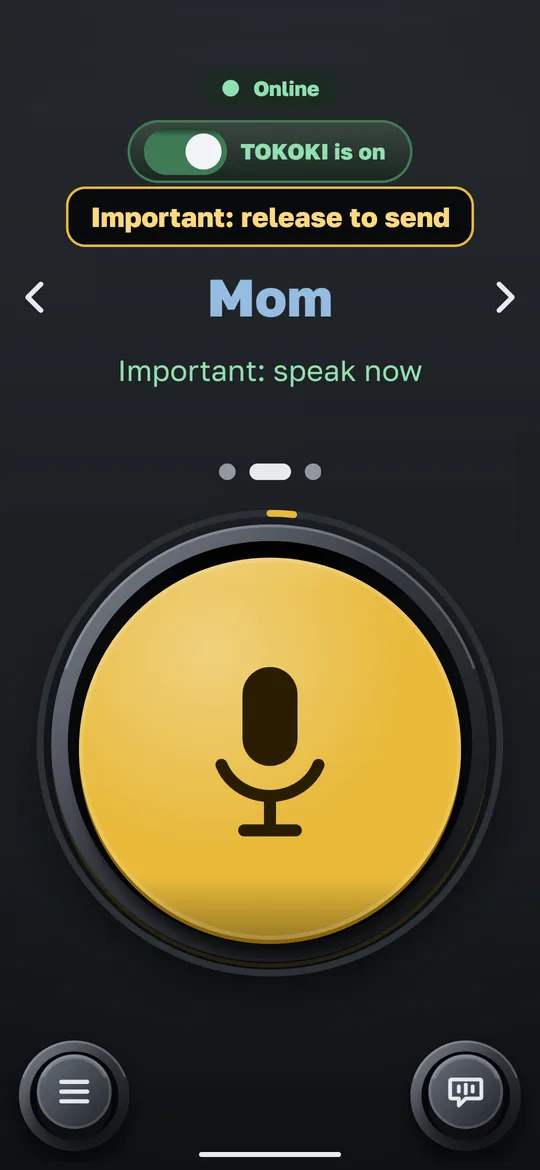
An important message waits for your person and reminds them for up to 2 days.
HowWhile you hold the button, slide up. Let go to send.
- A yellow dot shows important messages
- They are reminded for up to 2 days
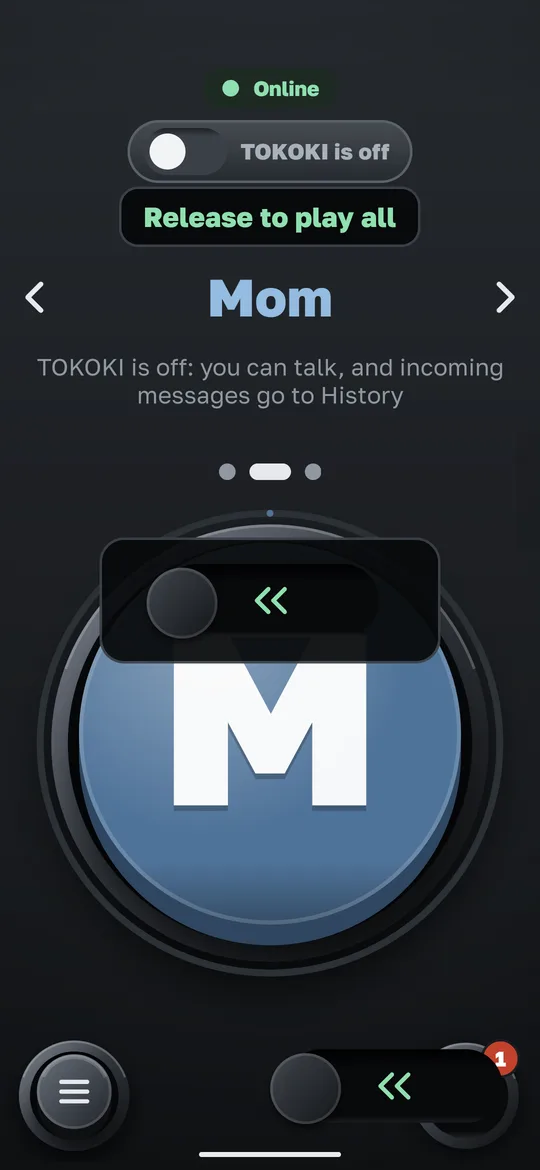
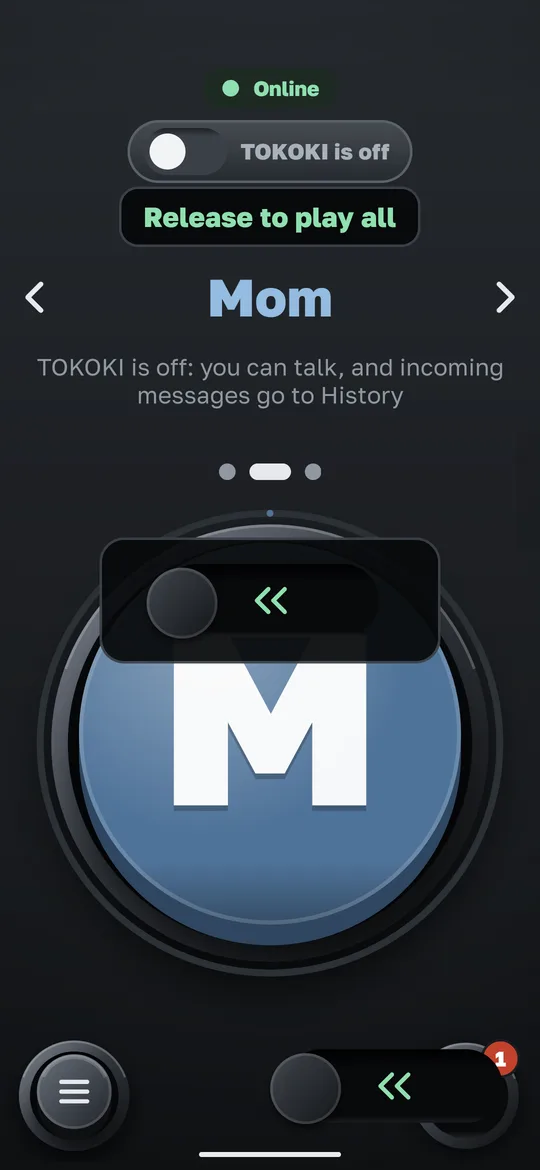
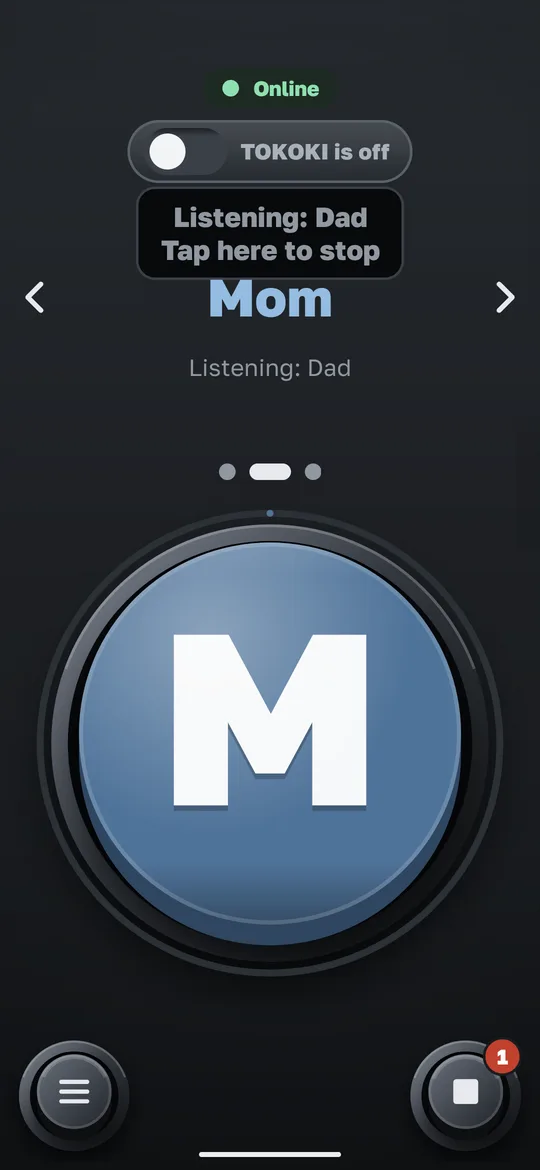
Listen to what you missed
Messages you did not hear wait on the big button until you are ready.
HowPull the big button to the left and let go.
- They play one after another
- Important messages play first
Hear just one person
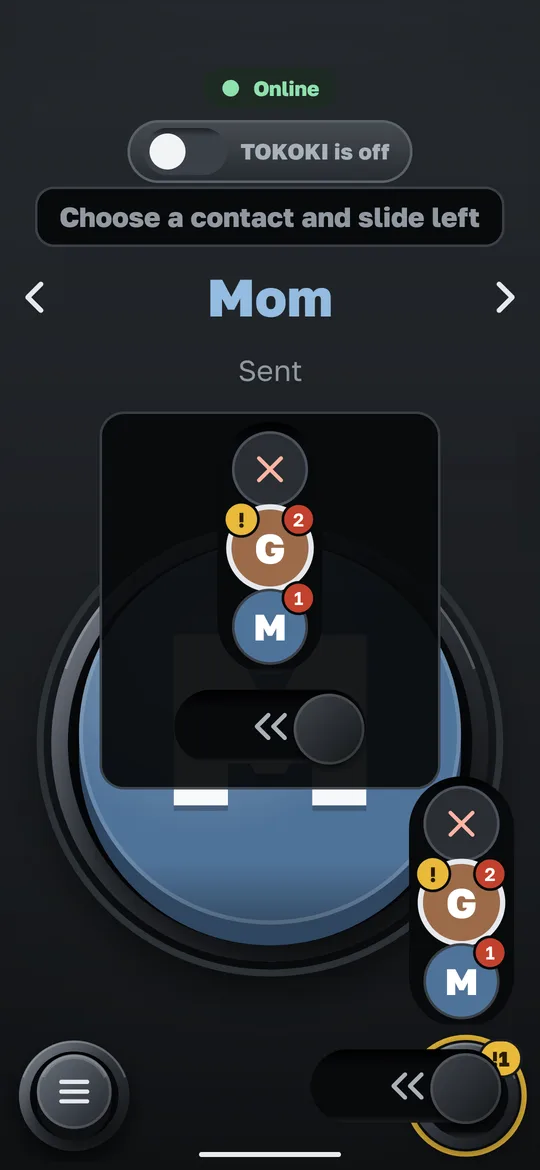
Want to hear only one person’s messages? Pick them from the list.
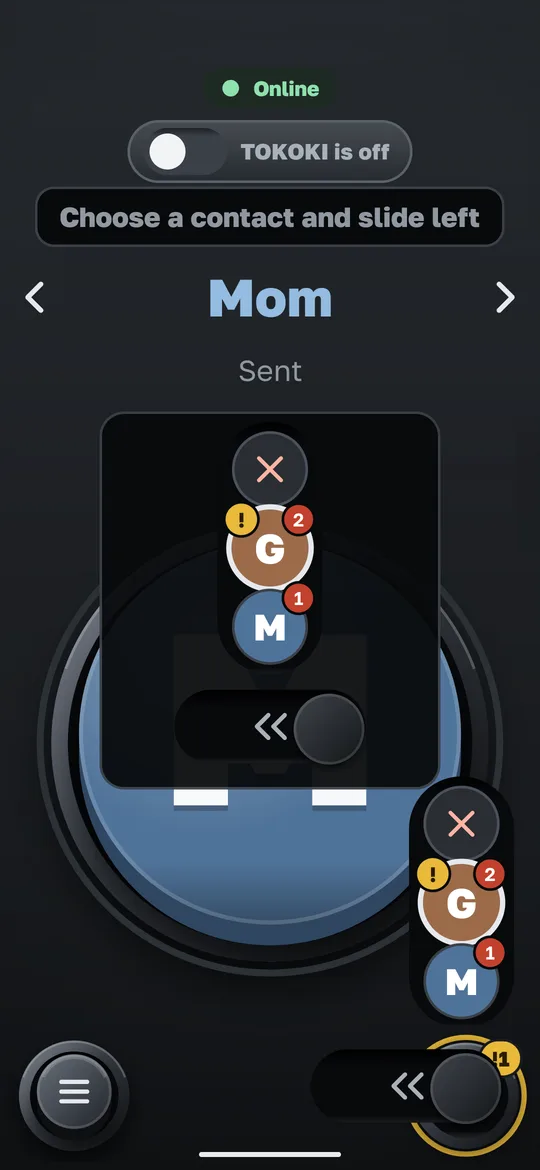
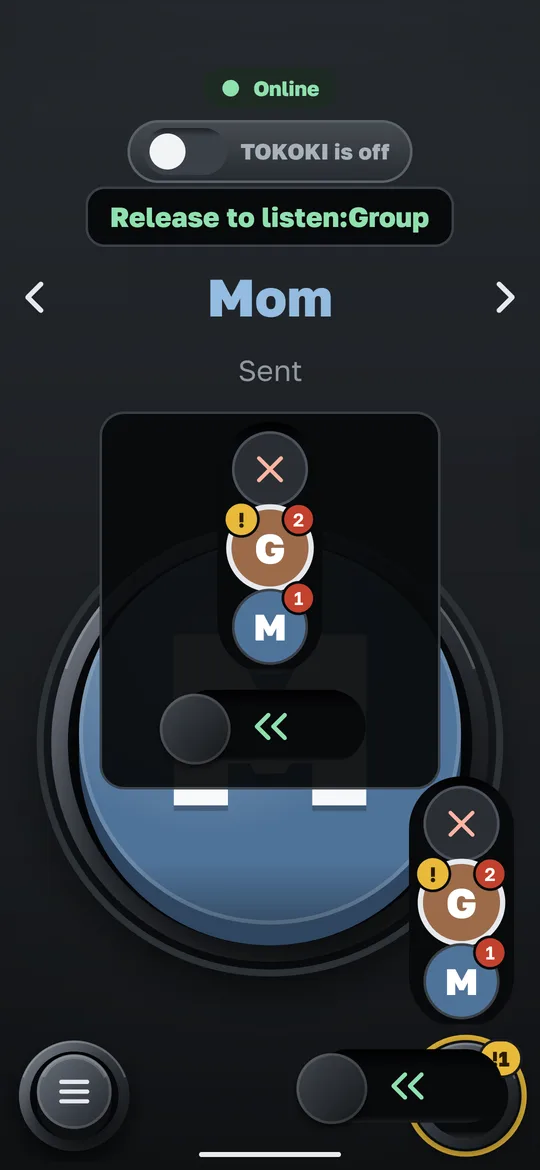
HowHold the big button and slide up to see the list of senders. Stop on the person you want.
- Only that person’s messages play
Open the menu
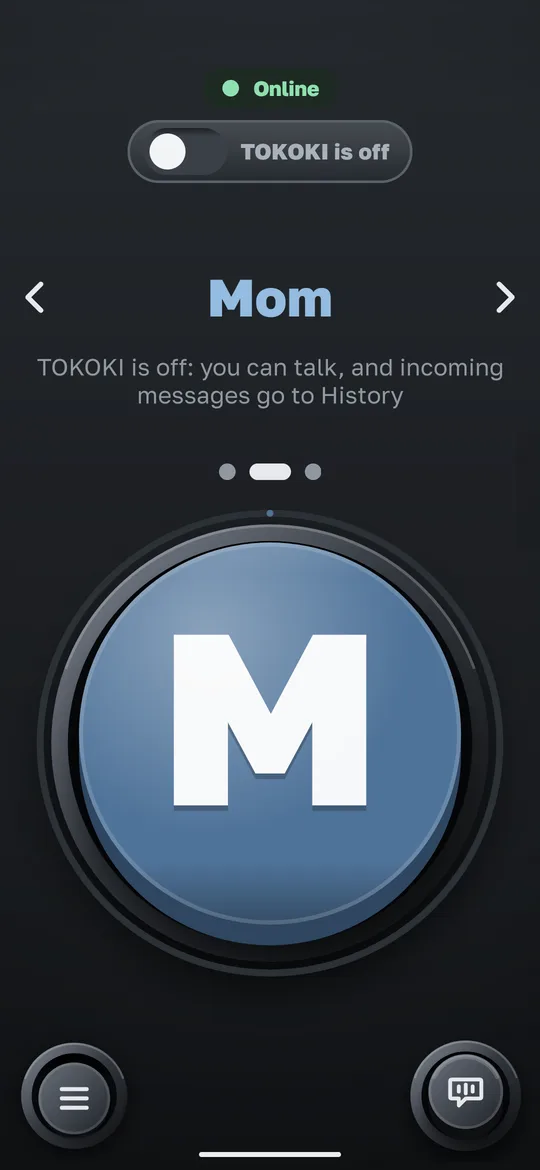
The menu is behind a double tap, so a single touch never opens it by accident.
HowTap the menu button twice, quickly.
- Settings, history and contacts are in the menu
On top of any app
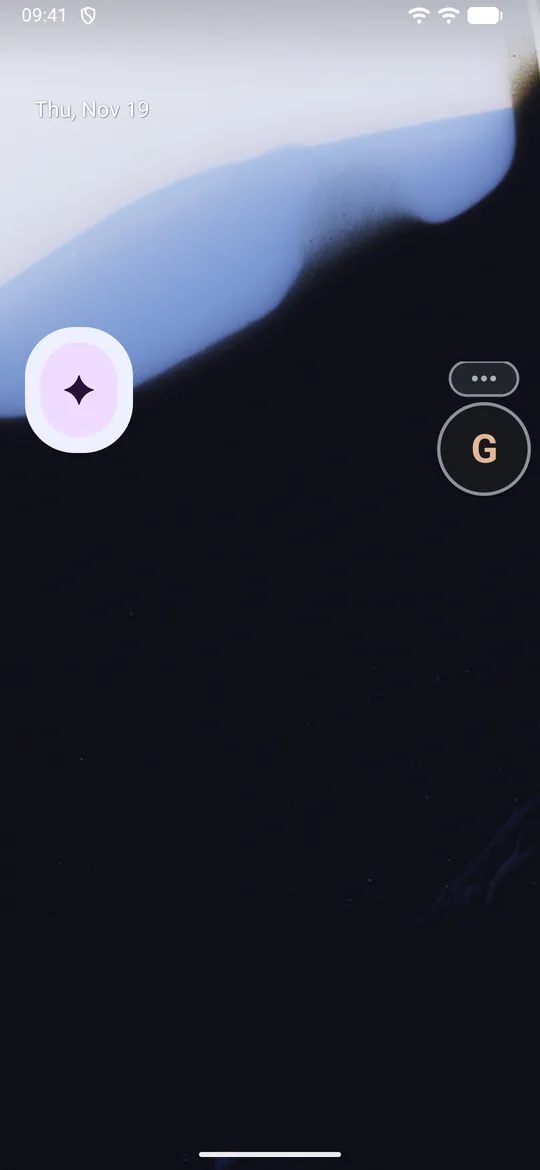
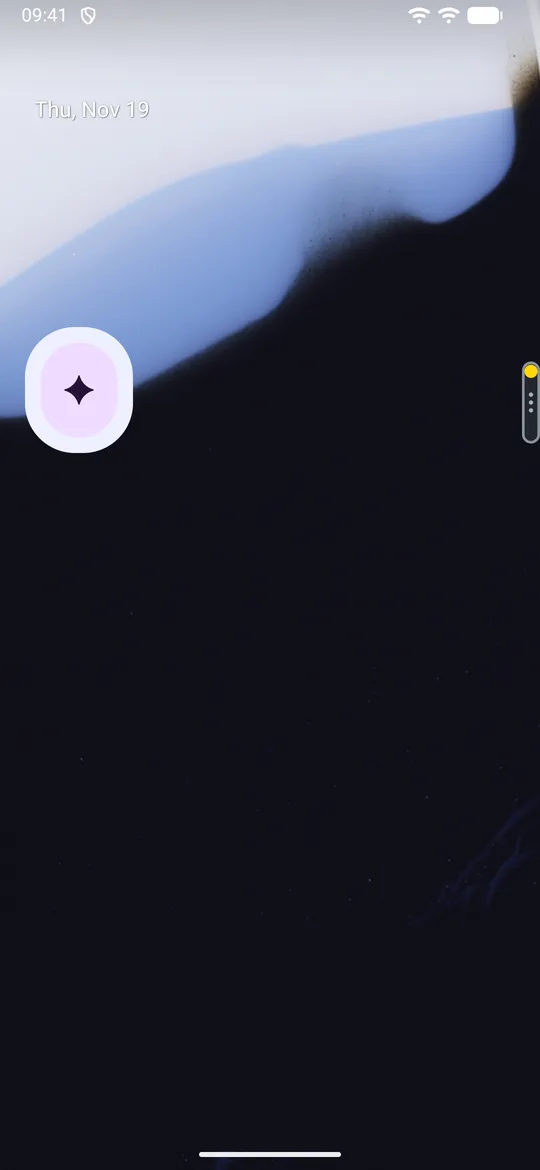
A small floating button stays over other apps, so you can talk without leaving what you are doing.
HowTap the strip at the edge of the screen to bring the button back. Hold it and speak.
- It tucks into a thin strip when you do not need it
- The strip shows important and missed messages
What the colours mean
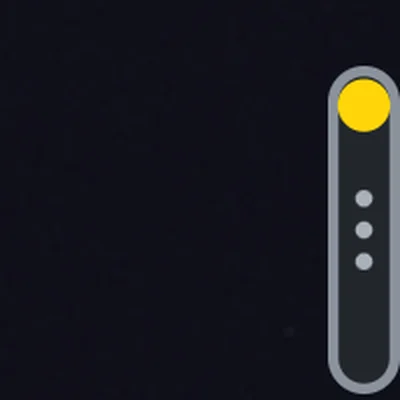
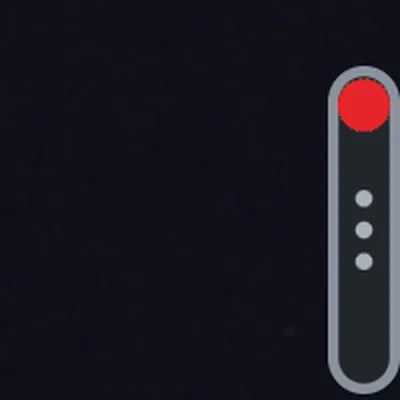
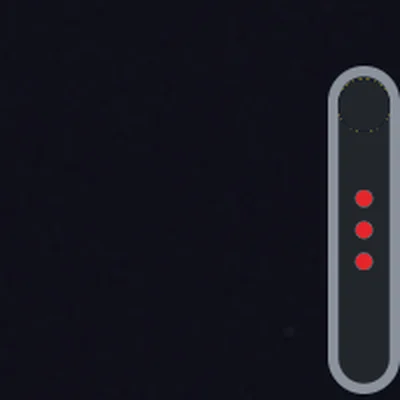
The thin strip at the screen edge and the dots on the big button use the same colours, so you can tell at a glance.
- Yellow dot: someone marked a message important. It stays until you answer that person or listen to the message. Opening the app does not switch it off.
- Red dot: you missed a message.
- Three red dots: TOKOKI is off or there is no network.
TOKOKI on and off
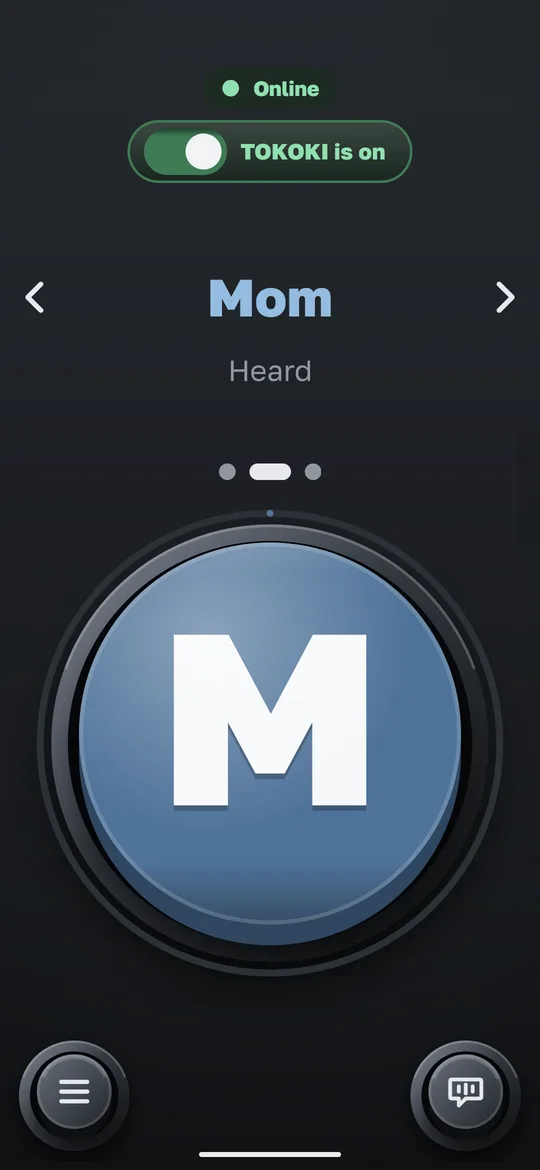
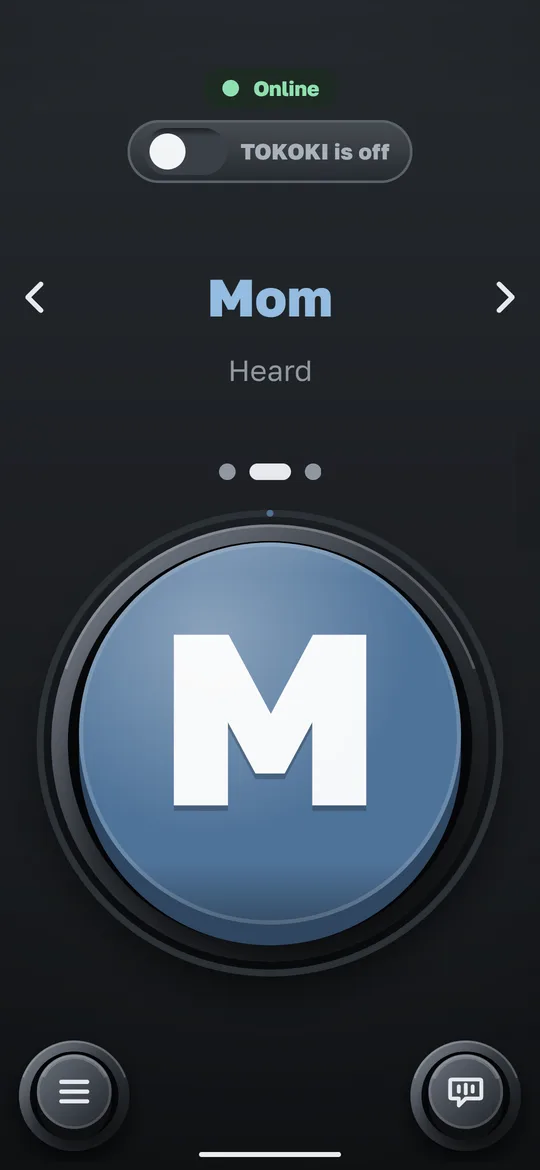
A lever under the status label switches TOKOKI on and off. Green means it is on.
- Off: you can still talk, and what comes in waits in History
- The first time you switch it off, the app asks to be sure
History
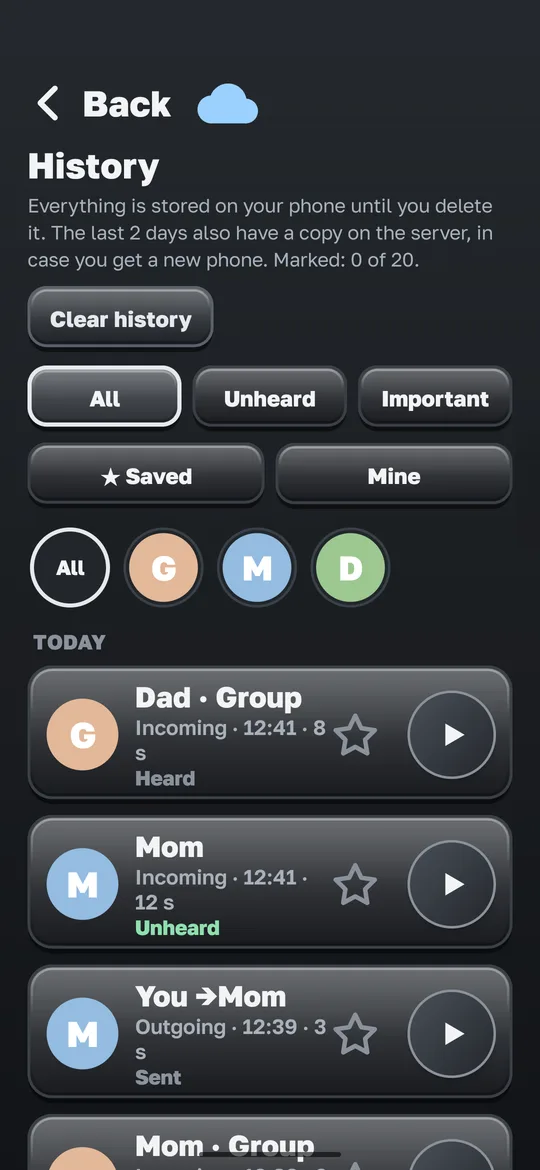
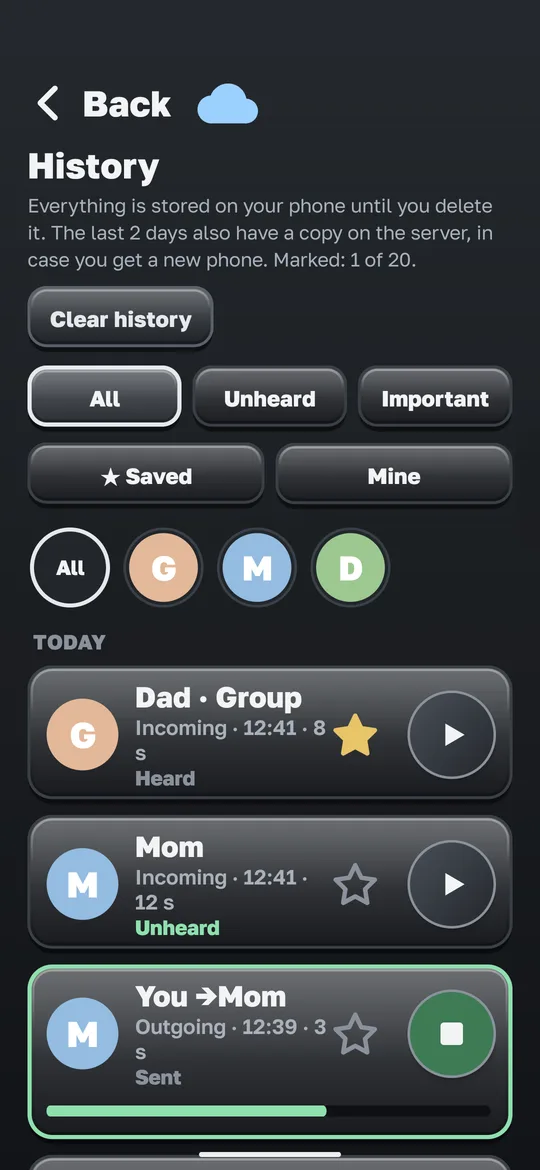
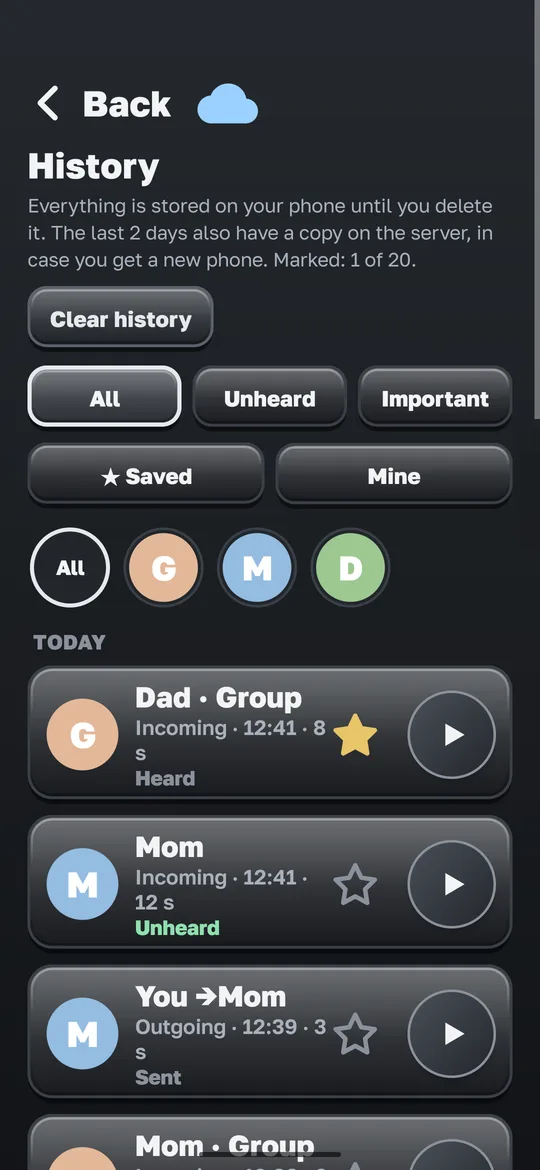
Messages you sent and received are kept in History, so nothing is lost.
- Filter by person and by day, or show only unheard, important or saved ones
- Mark up to 20 messages with ★ to keep them
- Clear history: everything, older than a month or older than a week, with a confirmation
One thing to do today
Open Settings, Recovery code and write the 12 letters and numbers on paper. TOKOKI has no phone number, email or password, so this code is the only way to get your account back on a new phone. Do not share it. More in Help.
Still have a question? See Frequently asked questions.